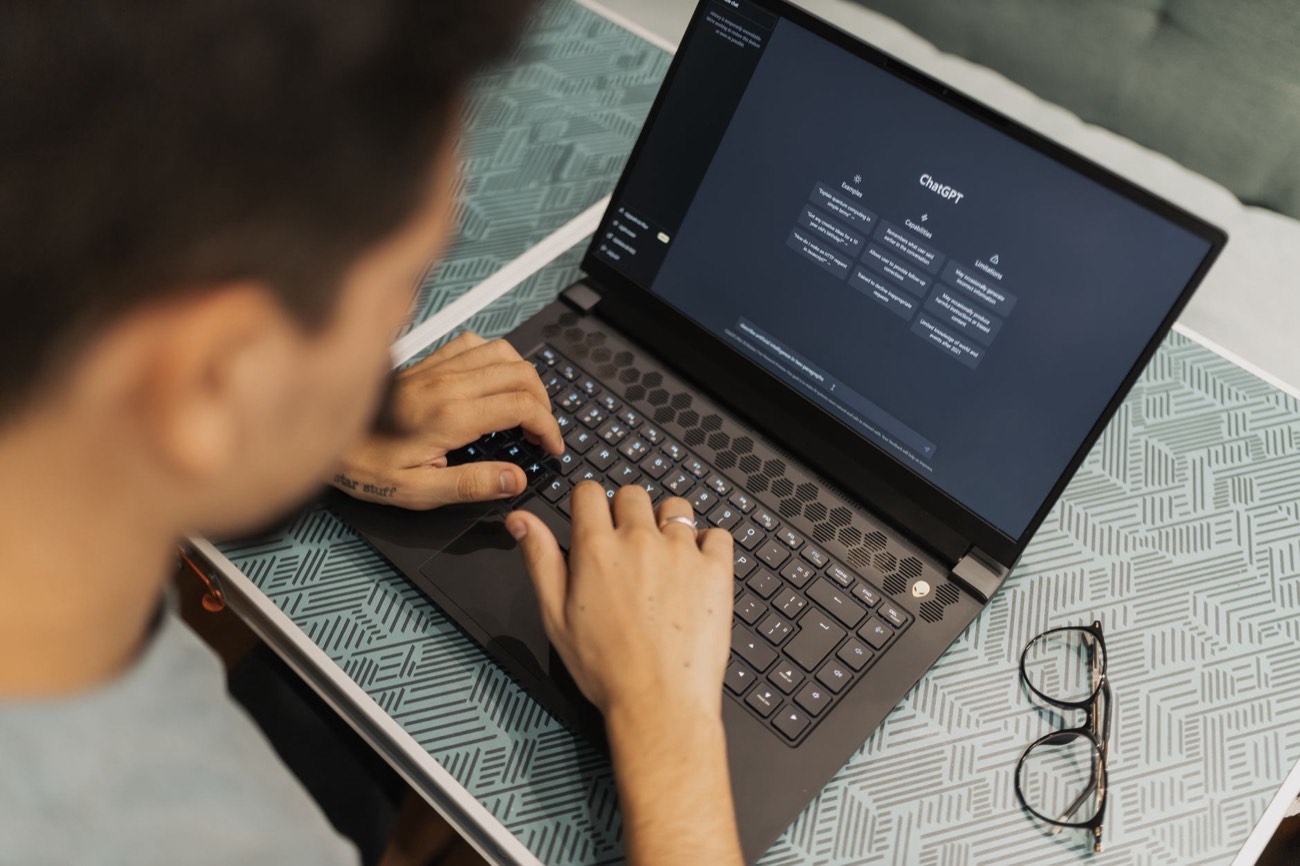
The most effective way to study with AI is to use it as a tutor that quizzes you, not as a machine that hands you answers. Paste your notes or a reading, then ask the AI to explain hard parts in plain language, generate practice questions, build flashcards, and quiz you until you can answer without looking. The learning happens when you retrieve the answer, so lean on active recall (self-testing) and spaced practice, not passive re-reading. A free tool like ChatGPT, Claude, or Gemini does all of this. Below are the exact steps and prompts I tested, plus where AI helps and where it quietly hurts.
The one rule that makes AI studying work
Reading an AI summary feels productive, but it barely moves memory. What builds memory is retrieval: forcing your brain to pull the answer out. So the goal of every technique below is to get the AI to make you produce answers, then check you.
If you take one thing from this article: turn everything into a quiz. Summaries and explanations are the setup. The quiz is the study.
Step 1: Turn your material into a study set
Start by giving the AI your raw material. Copy a chapter, your lecture notes, or a set of slides into the chat. Then use a prompt like this:
“Here are my notes for [topic]. First, list the 8 most important concepts I need to know. Then explain each one in two plain sentences, as if I’m new to it.”
This does two things: it tells you what actually matters (useful when notes are messy), and it gives you clean explanations to work from. If something is still confusing, ask a follow-up: “Explain [concept] again using a simple everyday analogy.”
Step 2: Quiz yourself with active recall
Now the real work. Ask the AI to test you:
“Quiz me on these notes. Ask one question at a time, wait for my answer, then tell me if I’m right and explain what I missed. Start easy and get harder. Don’t show the answers until I try.”
The “one question at a time” and “wait for my answer” parts matter. Without them, the AI dumps 10 questions and their answers, and you learn nothing. Answer out loud or type your guess before it responds. This is the single highest-value use of AI for studying.
Step 3: Build flashcards for spaced repetition
Flashcards work because they force recall and let you space out reviews. AI makes them in seconds:
“Turn these notes into 20 flashcards as a two-column list: question in column one, short answer in column two. Focus on things I’d be tested on.”
You can paste that list straight into Anki or Quizlet for spaced repetition, or just review them in the chat. Spot-check a handful against your source, because AI can occasionally invent a fact.
Step 4: Make a realistic study plan
If you have an exam date, let the AI schedule your reviews:
“I have an exam on [date] covering [topics]. I can study 1 hour a day. Build me a day-by-day plan that uses active recall and spaces out reviews, with a lighter day before the exam.”
You’ll get a concrete calendar instead of a vague “study more.” For a deeper look at prompting well, see our guide on how to write AI prompts.
Which technique for which goal
| Your goal | Best AI technique | Prompt starter |
|---|---|---|
| Understand a hard concept | Explain + analogy | ”Explain [X] with a simple analogy” |
| Remember facts | Flashcards | ”Make 20 Q&A flashcards from these notes” |
| Prep for a test | Timed self-quiz | ”Quiz me one question at a time, then grade me” |
| Find gaps in your notes | Concept list | ”List the key ideas I might be missing” |
| Stay on schedule | Study plan | ”Build a day-by-day plan until [exam date]“ |
| Practice writing | Feedback, not answers | ”Critique my paragraph; don’t rewrite it” |
Where AI helps most (and where it hurts)
AI is excellent at explaining things three different ways until one clicks, generating unlimited practice questions, and turning a wall of notes into a study set. It never gets tired of your “explain that again.”
But it has real limits. It can state wrong facts with total confidence, especially dates, formulas, and citations. It will happily write your essay, which teaches you nothing and risks academic-integrity trouble. And an AI summary can trick you into feeling ready when you haven’t actually tested yourself. The fix for all three: verify graded facts against your textbook, never submit AI text as your own, and always end a session with a self-quiz.
Study smarter, not just faster
Used well, AI is the most patient tutor you’ll ever have: it quizzes you endlessly, explains until it clicks, and builds your flashcards for free. Used lazily, it’s a shortcut that leaves you knowing less than when you started. The difference is entirely in the prompts. Make it test you.
If you’re picking tools, see our roundup of the best AI tools for students and the best free AI tools for general study work. New to chatbots entirely? Start with how to use ChatGPT.